

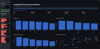
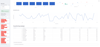
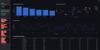
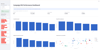
Marketing Campaign ROI Dashboard
Campaign ROI Analytics Dashboard – Python & Streamlit Project
Make campaign performance analysis easier with this interactive Campaign ROI Dashboard.
This ready-to-use Python project helps marketers, business owners, analysts, and students monitor digital marketing campaign performance through interactive charts, performance metrics, and customizable filters.
Built with Python, Streamlit, Pandas, NumPy, and Plotly, the dashboard transforms campaign CSV data into useful visual insights.
What You'll Get
- Complete Python source code.
- Interactive Campaign ROI Dashboard.
- Sample campaign dataset with 50 records.
- Additional 60-record test dataset.
- Installation and build guide.
- Requirements file for installing dependencies.
- README with project information and setup instructions.
Key Features
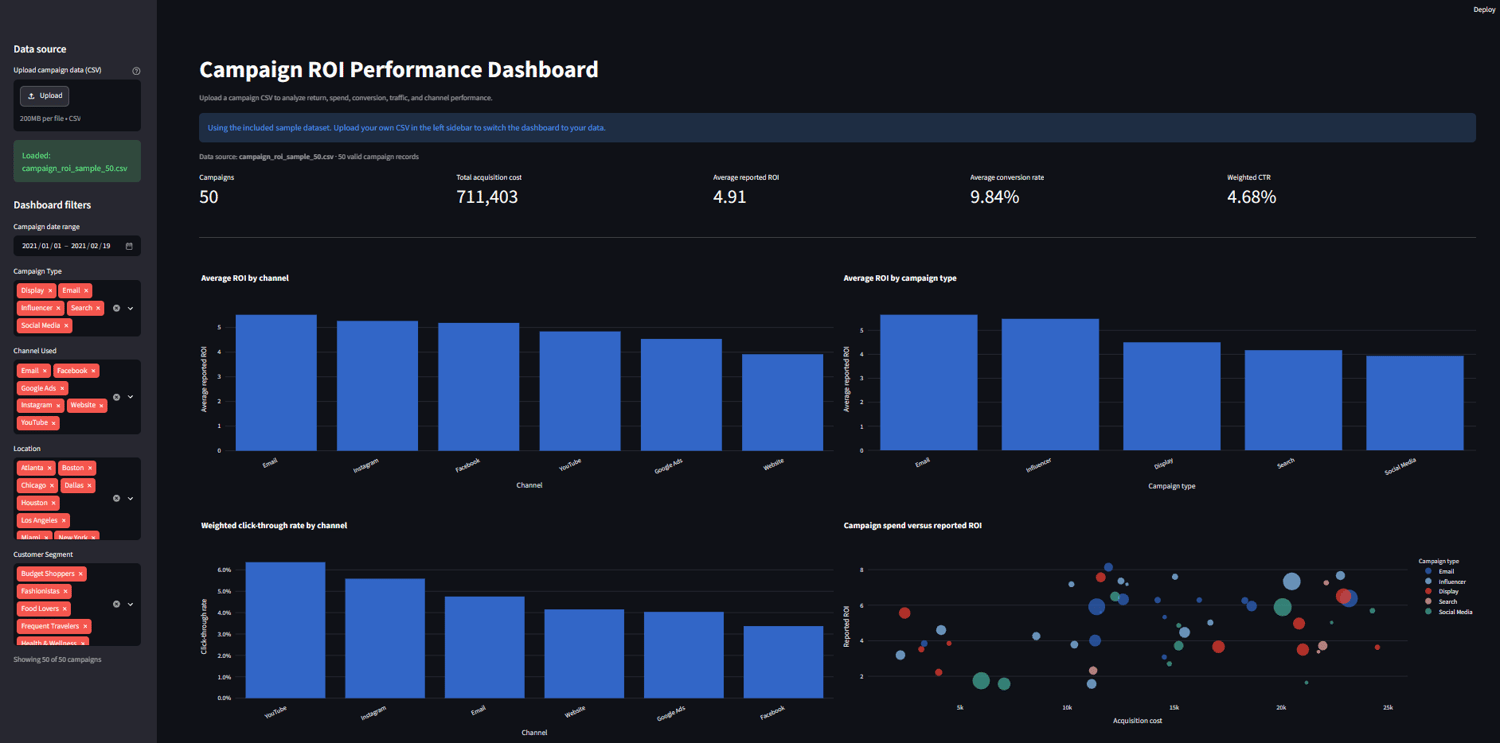
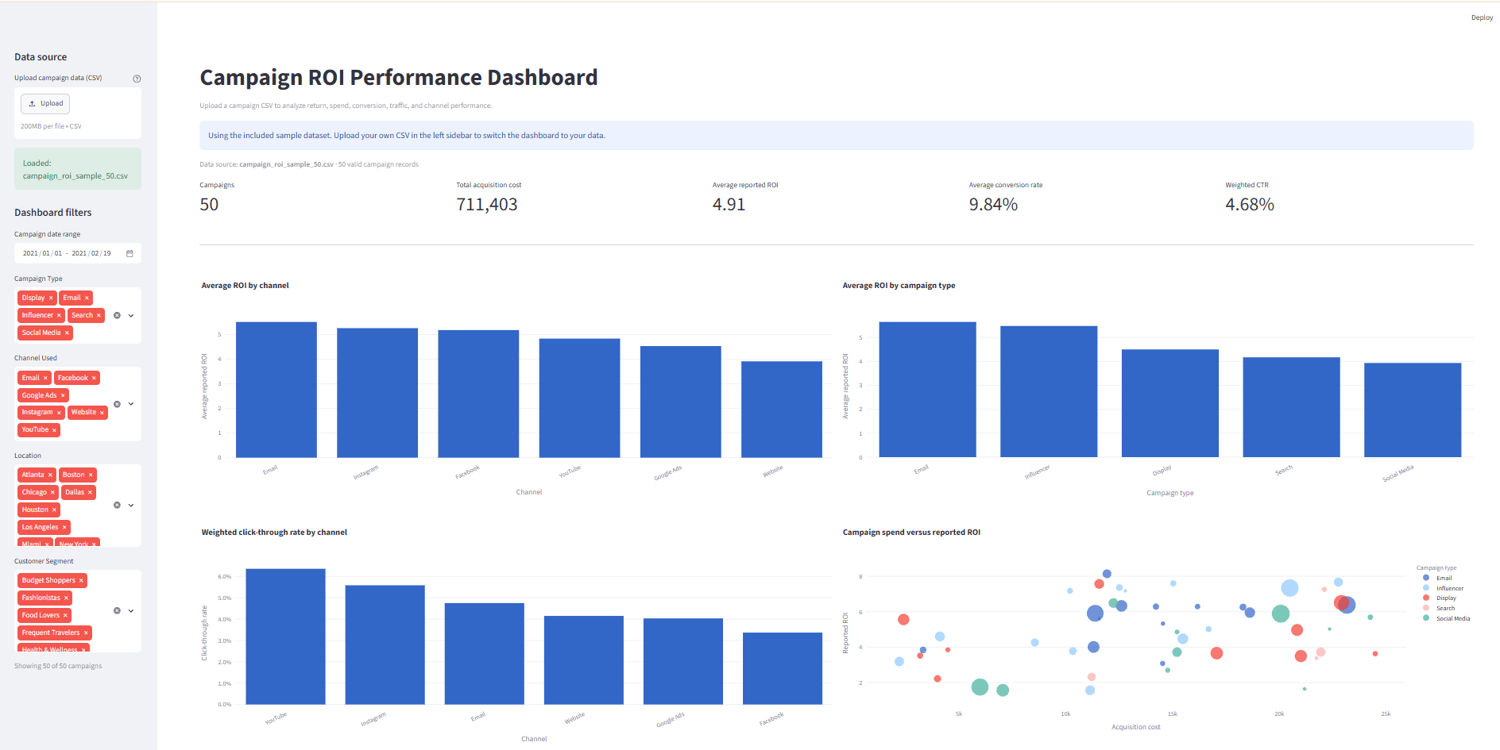
1. Campaign Performance Overview
- Total number of campaigns.
- Total acquisition cost.
- Average reported ROI.
- Average conversion rate.
- Weighted click-through rate (CTR).
2. Interactive Dashboard Filters
- Campaign date range.
- Campaign type.
- Marketing channel.
- Location.
- Customer segment.
3. Performance Analytics
- Average ROI by marketing channel.
- Average ROI by campaign type.
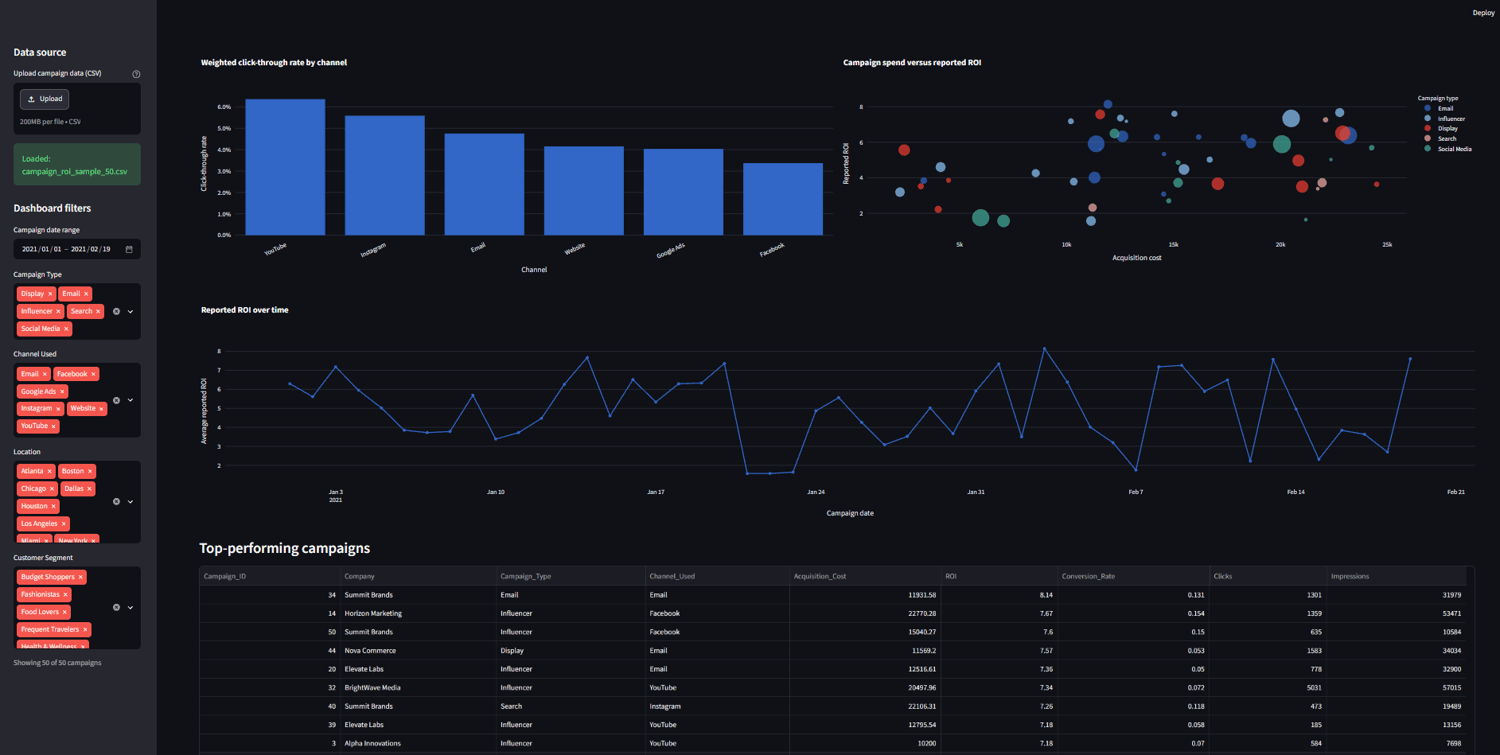
- Click-through rate by channel.
- Campaign acquisition cost versus ROI analysis.
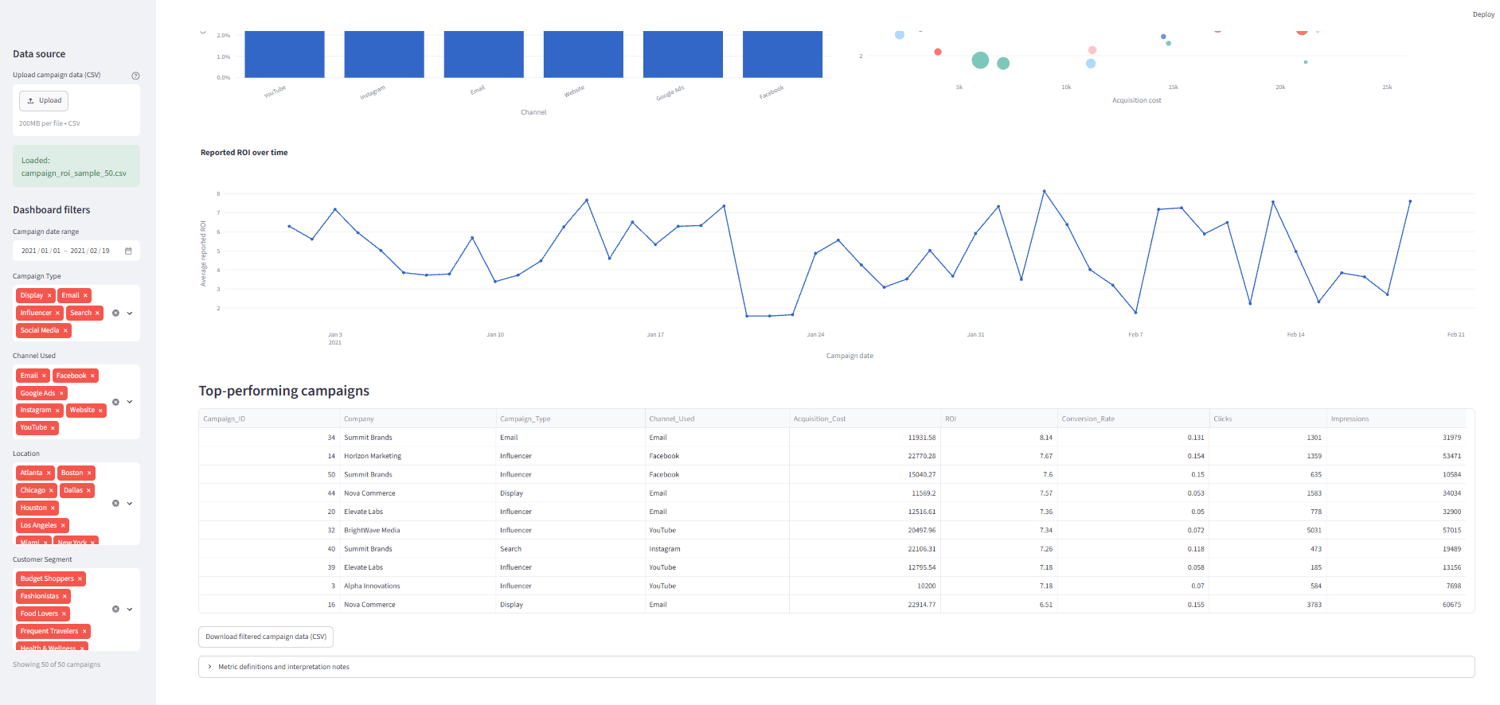
- ROI performance trends over time.
4. Top Campaign Analysis
Identify and compare the top 10 campaigns based on reported ROI.
5. CSV Data Export
Download filtered campaign records for additional analysis and reporting.
Who Is This Product For?
- Digital marketing professionals.
- Business owners and entrepreneurs.
- Marketing analysts.
- Data analytics students.
- Python developers.
- Anyone interested in campaign performance analysis.
Technical Requirements
- Python 3.10 or later.
- Basic familiarity with installing Python packages.
- A Windows, macOS, or Linux computer.
- Internet access for initial package installation.
The project uses Streamlit, Pandas, NumPy, and Plotly.
How It Works
- Purchase and download the ZIP package.
- Extract the project files.
- Follow the included BUILD_GUIDE.md.
- Install the required Python packages.
- Launch the dashboard using Streamlit.
- Upload your own compatible campaign CSV file or use the included sample dataset.
Important Notes
- This is a downloadable digital software project, not a hosted online dashboard or subscription service.
- Python installation and basic setup are required.
- The dashboard requires campaign CSV data with the specified column structure.
- ROI is displayed using the supplied ROI values. The project does not calculate true portfolio ROI because campaign revenue data is not included.
- Acquisition costs are displayed without assuming a particular currency.
- No physical product will be shipped.
Instant Digital Download
Get the complete project package and start exploring campaign performance data with an interactive Python dashboard.
Download. Install. Analyze. Improve your campaign insights.